200 Days on Arch Linux — What Actually Happened
9 min read
I stopped learning ahead. I started learning when things broke.
That decision changed how I think.
I’m on an Acer Predator Helios Neo 16. A gaming machine. Running Arch Linux. No dual boot. This is the full story of what that decision actually looked like — the installs, uninstalls, and debugging sessions that swallowed entire days, and what it quietly did to the way I think and who I am as an engineer.
THE WAY I LEARNED TO THINK
During JEE prep I noticed a pattern. I’d read topics I didn’t need yet — trying to stay ahead of the syllabus — and forget almost everything. But the moment I hit a real problem and then learned what I needed to solve it, it stayed permanently.
I think about it through my father.
He’s an engineer. Whenever we’d hit a problem together — even something as ordinary as a household repair — I’d be the first one jumping in with an answer. He’d be the patient one. Thinking. Actually thinking. And then answering correctly.
If he didn’t know something, he’d read about it. Not skim it. Read it — until he was practically professional in it. No shortcuts. No asking someone to just tell him the answer. That’s just how he operates.
I didn’t realize I was trying to become that until I was already doing it on Arch.
When something broke and I made a deliberate choice not to immediately run to an AI for the answer — I’d read. The Arch Wiki. The man pages. A forum thread from 2009. The same way my father would have in his time, when that was simply the only option. Because for him, it was.
I believe if you encounter the need before learning the tool, you never need extrinsic motivation. The intrinsic drive to fix the actual problem in front of you is enough. You don’t stop.
My father taught me that without ever saying it. This is my small tribute to that.
Everything below is proof of that idea in practice.
────────────────────────────────────────────────────────────────────────────────
HOW IT STARTED — A REEL AND AN EGO
It started with an Instagram reel. Someone had a beautiful Linux setup — smooth animations, a tiling window manager, a terminal that looked like it belonged in a sci-fi film. I thought: how hard could this actually be?
That question was the beginning.
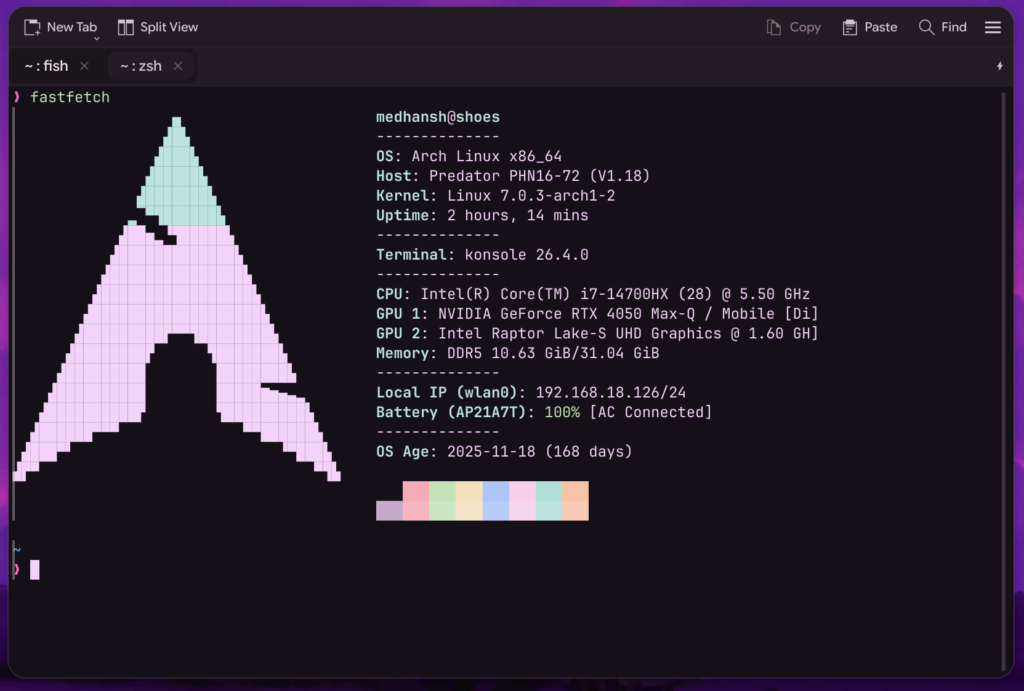
The first install was a living hell. Audio broken. WiFi broken. Bluetooth broken. GPU running at full load. CPU misbehaving. Thermals going haywire on a machine never designed with Linux in mind. Zero productivity. Just staring at a screen thinking — what have I done.
I uninstalled it. Went back to Windows.
But the engineer’s mentality doesn’t let you quit cleanly. It just waits. A few days later I went back, read the Arch Wiki more carefully, got everything working. An article recommended KDE. I installed it. The aesthetics weren’t what I wanted.After using for 2-3 days, I uninstalled again. Windows again.
Then one more time. And this time I stayed. Not because it was working perfectly. Because I decided I was going to figure it out no matter what. The ego that made me jump in after seeing a reel became the same ego that refused to leave.
────────────────────────────────────────────────────────────────────────────────
THE DESKTOP ENVIRONMENT RABBIT HOLE
KDE → GNOME → KDE (main) → Hyprland → Hyprland with end4-dotfiles
Each switch wasn’t random. Each one was a lesson I couldn’t have learned any other way.
KDE, round one
I had no idea how to customize it. The defaults looked terrible. I assumed the problem was KDE — switched to GNOME.
GNOME
Cleaner out of the box. But I wanted blur in the terminal. GNOME wouldn’t give me that. Back to KDE — this time with the intention of actually understanding it.
KDE, round two — where things got real
I stopped clicking through GUI settings and opened the config files directly. First in nano. Then I read something about Vim, tried it, immediately typed :q and closed the terminal. Then one random day an article made something click — and I never opened nano again.
That second KDE phase was when dotfiles management started. Version-controlled configs. Intentional customization. Actual ownership over the environment.
From nano → Vim → Neovim
From random configs → version-controlled dotfiles
From tweaking → ownership
The hardware chapter
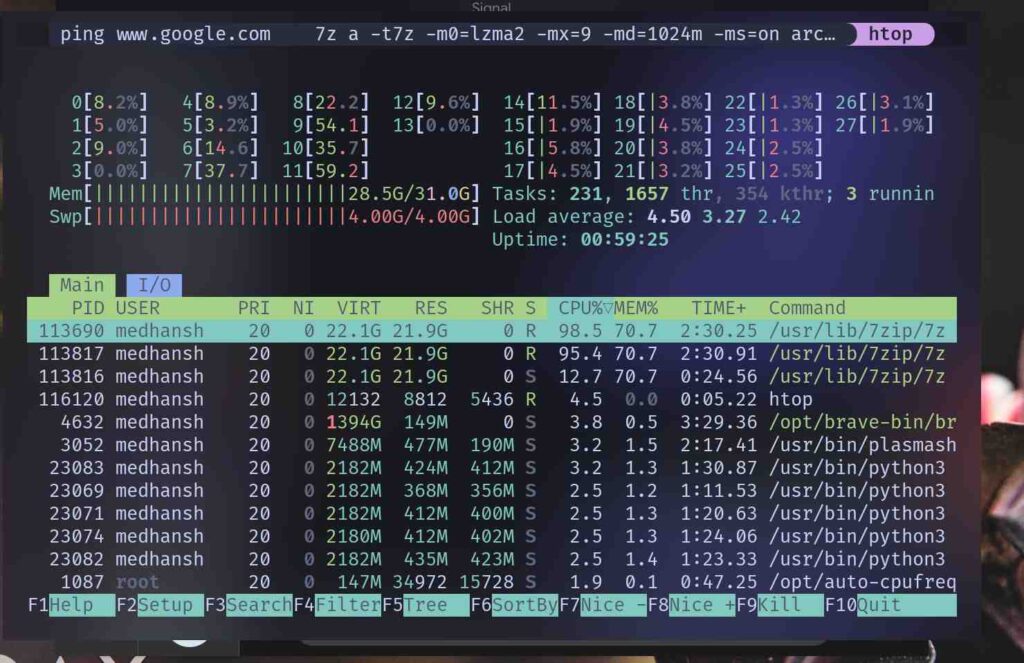
This machine came with Predator Sense — Acer’s hardware controller for fan curves, GPU modes, power profiles. No official Linux support. The symptoms: high GPU usage, fans not spinning, the machine overheating under any real load.
I was reading the Arch Wiki one day — not looking for a fix, genuinely just reading — and found Linuwu-Sense, an open source project that exposed the hardware controls I needed. Fixed the fans. Then separately tracked down the driver flag causing the GPU issue.
Two problems. Two deep dives. Both solved through documentation most people skip.
No tutorials. Just documentation and persistence.
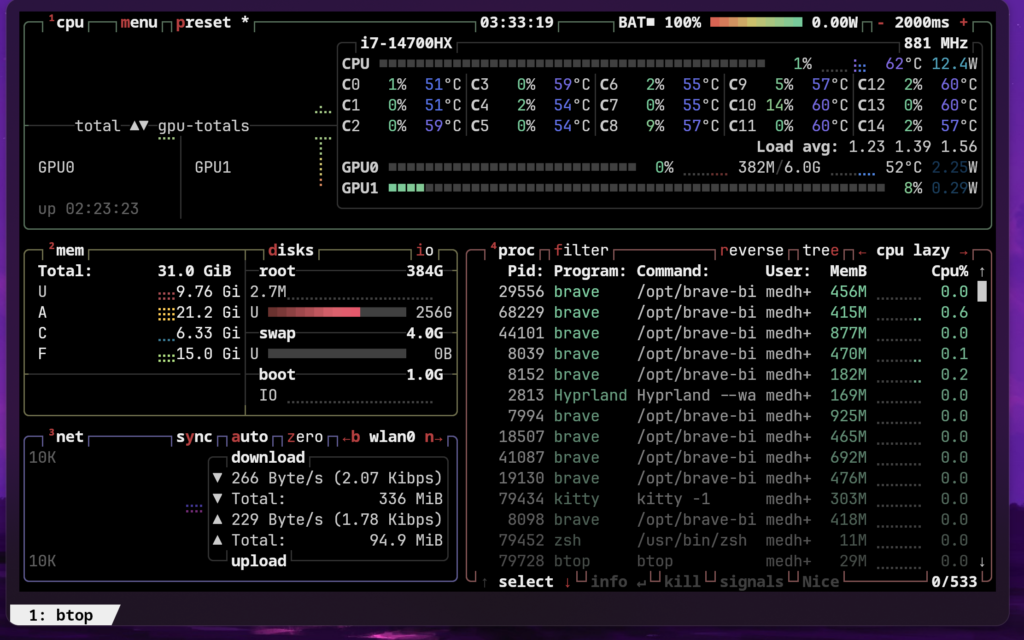
Hyprland
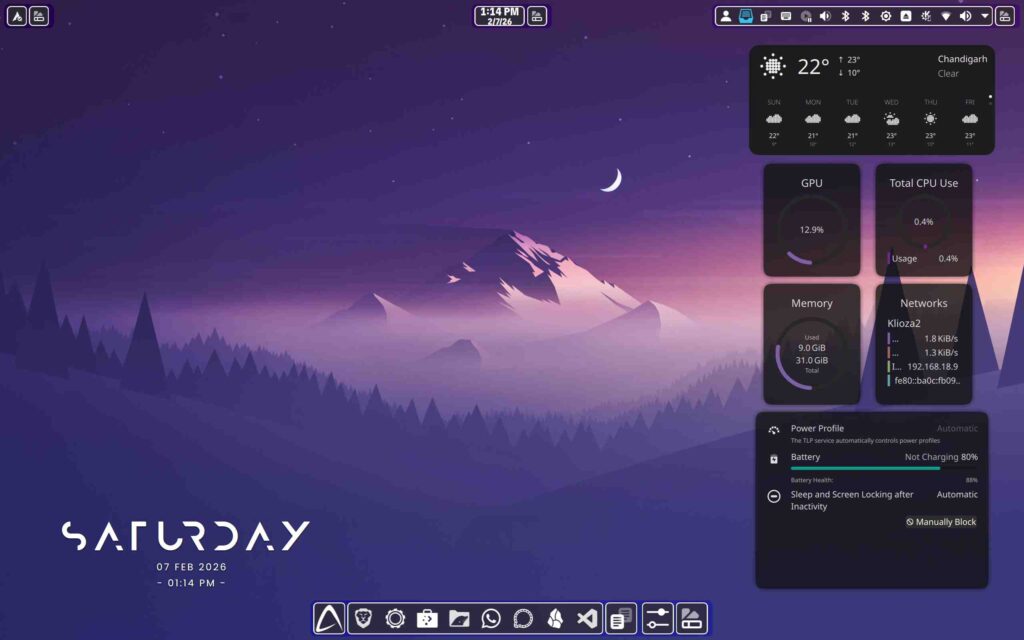
The reason I stayed isn’t just aesthetics. The config is a file.
cd ~/.config/hypr/
No GUI layers. No abstraction between me and what the system does. It’s the most direct relationship I’ve had with any desktop environment.
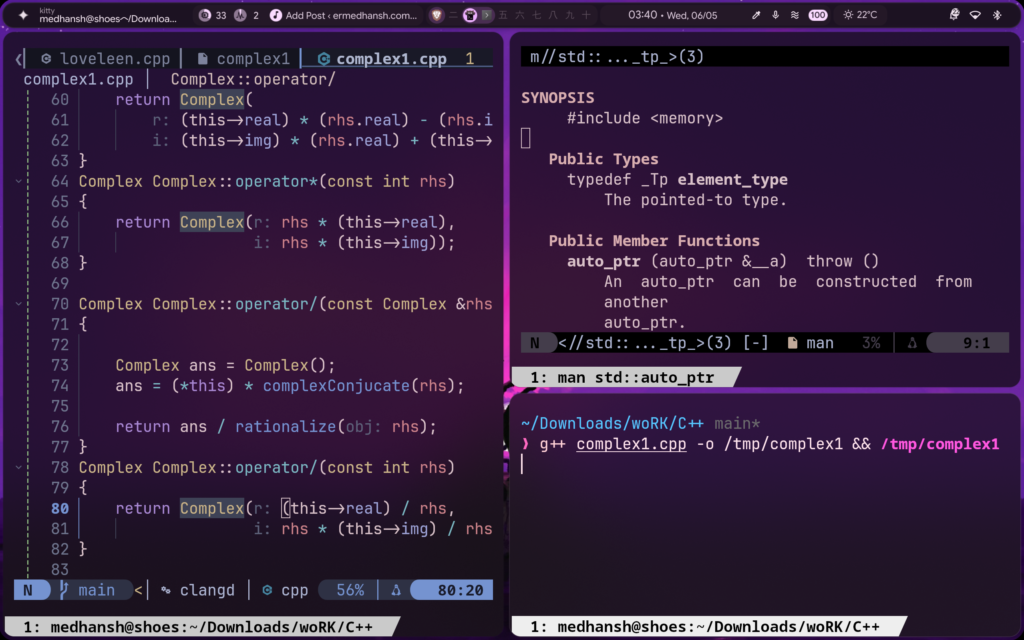
I started with end4-dotfiles as a foundation. Then I took it apart line by line and rebuilt it into something that fits how I actually work. Reading someone else’s config carefully, understanding every line, then making it yours — that process alone teaches you more than most tutorials.
────────────────────────────────────────────────────────────────────────────────
WHAT THIS ACTUALLY BUILT
Scripting became a reflex, not a skill.
Bash, Python, Lua — same logic, different syntax. Saying “I love you” in German or English means the same thing. The frontend changes. The thinking doesn’t.
The first real project: a script that automated my entire desk setup from a wallpaper change. New wallpaper → desk lamp color changes → keyboard RGB syncs. One command, the whole environment shifts.
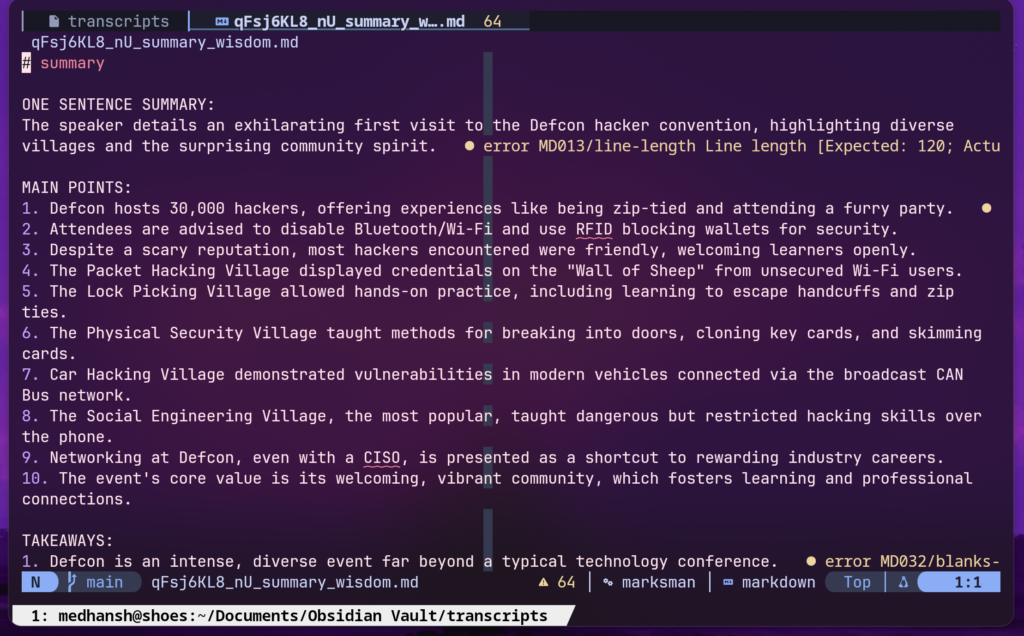
Then laziness drove the next one. I watch a lot of long-form YouTube but can’t sit through full videos every time. So I built a YouTube Transcript Processing Pipeline.
Give it a URL. It fetches the transcript via the YouTube API. If there’s no transcript, it falls back to downloading the audio and running it through Whisper, a speech-to-text model. Once there’s a transcript, it generates structured notes.
The design challenge I cared most about: preserving the creator’s voice. Their jokes. Their digressions. The specific way they explain things. A generic summary strips all of that. I wanted notes that still felt like the creator — not a sanitized version of what they said. No off-the-shelf tool did that properly.
Into The Kernels
Kernel and core systems came next — not from a course, from necessity. Boot processes, kernel modules, driver flags, networking internals. All of it pulled in by something that broke and needed understanding.
The engineer’s ego plays a real role here. There’s something about being the person who figures things out — not the person who finds someone else’s answer — that I’ve come to value. I’m still connecting pieces. But understanding systems, really understanding them, is one of the things I genuinely enjoy now.
Privacy and self-hosting
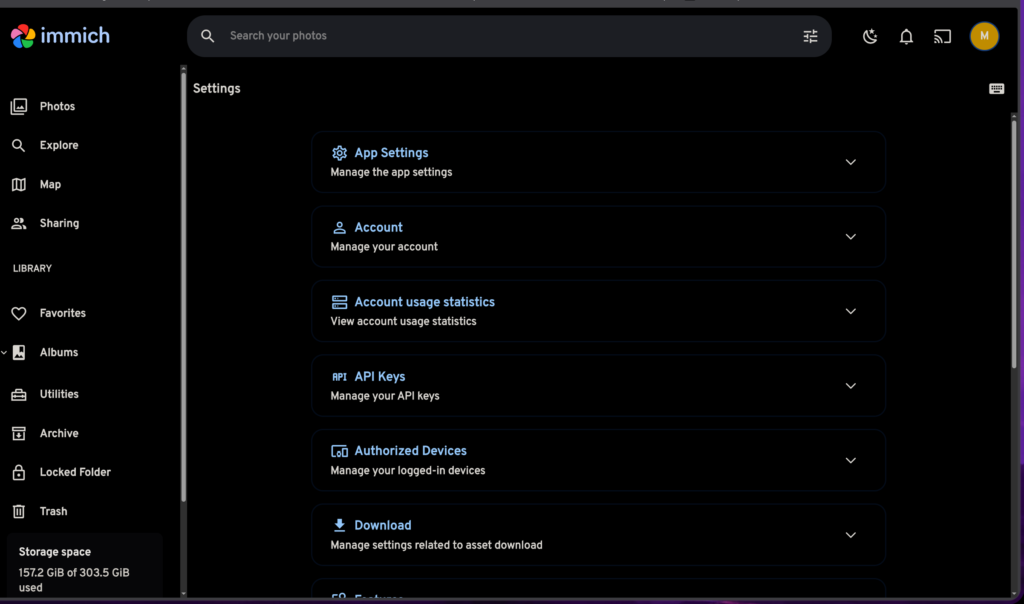
I run a Raspberry Pi as a home server: Nextcloud for Obsidian notes, Immich for photos, a music server. The main reason I started wasn’t even privacy — it was wanting to understand how it all works. How does a server actually serve files? How does DNS work at a network level?
The privacy benefits came as a side effect of actually building the thing. I’m hybrid now — some self-hosted, some cloud — but the direction is clear. I’ve also used Universal Android-Debloater on my phone, moved away from several Google services, and built the DNS Blocker specifically because I wanted network-level control, not app-level filters.
────────────────────────────────────────────────────────────────────────────────
THE PROJECTS
These aren’t showcases. They’re what happens when the philosophy meets a real problem.
Smart Study Filtering System
Raspberry Pi as a local network controller. DNS-based blocking for Instagram, Facebook, WhatsApp at the network level. But YouTube needed a different approach — DNS blocking would kill the whole platform.
So: a browser extension catches the video ID when a YouTube video opens, sends it to the Pi, the Pi queries the YouTube API for metadata, and filtering logic decides whether to allow or block it. Educational content gets through. Distractions don’t.
Built in Bash, Python, and JavaScript. The hard part was the filtering logic — useful without being so strict it breaks legitimate use.
YouTube Transcript Processing Pipeline
Multi-stage: API fetch → Whisper fallback → structured output with preserved creator voice. Built for daily use. If one stage fails, the next handles it. Reliability over cleverness.
Development Environment Bootstrapper
Detects your OS — Arch, Fedora, Ubuntu, macOS — picks the right package manager, installs tools, symlinks dotfiles from a central repo. Idempotent. Interactive. Used across multiple real machines. The edge cases I’ve hit and fixed are the most useful parts of it now.
DNS Blocker and Unix Installer Script
Two smaller tools from the same place: I needed them, they didn’t exist the way I wanted, so I built them.
────────────────────────────────────────────────────────────────────────────────
THE REAL CONS
No sugarcoating.
→ It is a time sink. Arch will take hours without warning.
→ Ricing is genuinely addictive. Making things look good instead of work — I’ve been there more than once.
→ Basic tasks become debugging sessions.
— Connecting to certain networks: 30 minutes.
— Getting one printout: 2 hours of CUPS debugging before a single page came out.
These aren’t small things. If you’re in school or college with a packed schedule, the time cost is real and the curve is steep. I wouldn’t recommend this to everyone — and I say that as someone completely bought in.
But here’s the truth: every one of those sessions compounded. The 2 hours on CUPS taught me more about how Linux handles printing, MIME types, and driver architecture than any course would. The 30-minute network debug taught me about NetworkManager, DNS resolution, and interface states — in real context, not as abstract concepts.
The cons were the curriculum.
────────────────────────────────────────────────────────────────────────────────
200 DAYS IN
I don’t see systems as black boxes anymore.
I think about problems differently. I finish things instead of giving up. The engineer’s mentality — the ego that refuses to be beaten by a problem — has become more deliberate, more controlled, more useful.
I still have puzzle pieces to connect. The picture isn’t complete. But I’m genuinely happy building and understanding systems in a way I simply wasn’t before any of this started.
If you’re thinking about it: do it. Keep the wiki open. Expect things to break. Every break is the lesson.
And if you have someone in your life who solves problems by reading until they understand — pay attention to that. You might find yourself doing the same thing, without ever realizing it.
────────────────────────────────────────────────────────────────────────────────
Find my LinkedIn post covering the highlights
link is here
I genuinely appreciate and got impressive remark for you cuz…. I am totally impressed how you connected your study with your life lessons….
Last lesson from my side is…. Just don’t test the tention of the spring … That how much tension it could hold….
Give it a break….time to repair if it is over streched … Cuz you don’t know would it broken or back to you after your next strech …
I had tried to connect it with grade 11 physics…. Sorry if my logic was wrong…